Versions
What is a version?
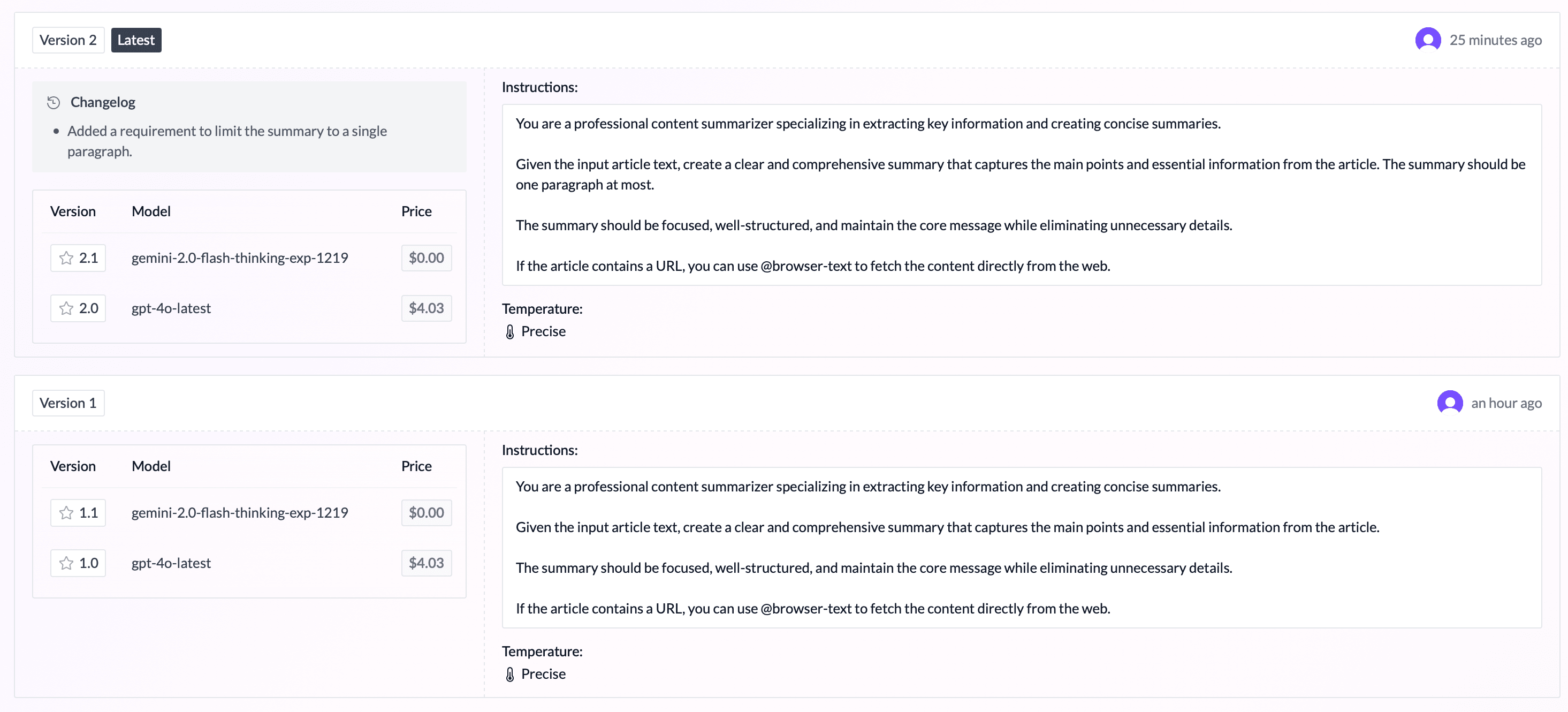
A version is a specific configuration of an agent.
WorkflowAI defines two types of (agent) versions:
| Version Type | Example | Description |
|---|---|---|
| Major Versions | 1, 2, 3, ... | A major version represents a specific configuration of a agent, including its instructions, temperature, descriptions/examples, and tools. |
| Minor Versions | 1.1, 1.2, 1.3, ... | A minor version represents a major version associated with a specific model (e.g., OpenAI's GPT-4o-mini). |
Why are versions useful?
Versions are useful for several reasons:
- They allow you to save a specific configuration of an agent, so you can reproduce it later.
- They allow you to compare the performance of different versions of an agent.
- They allow you to deploy a specific version of an agent.
How to:
Save a version
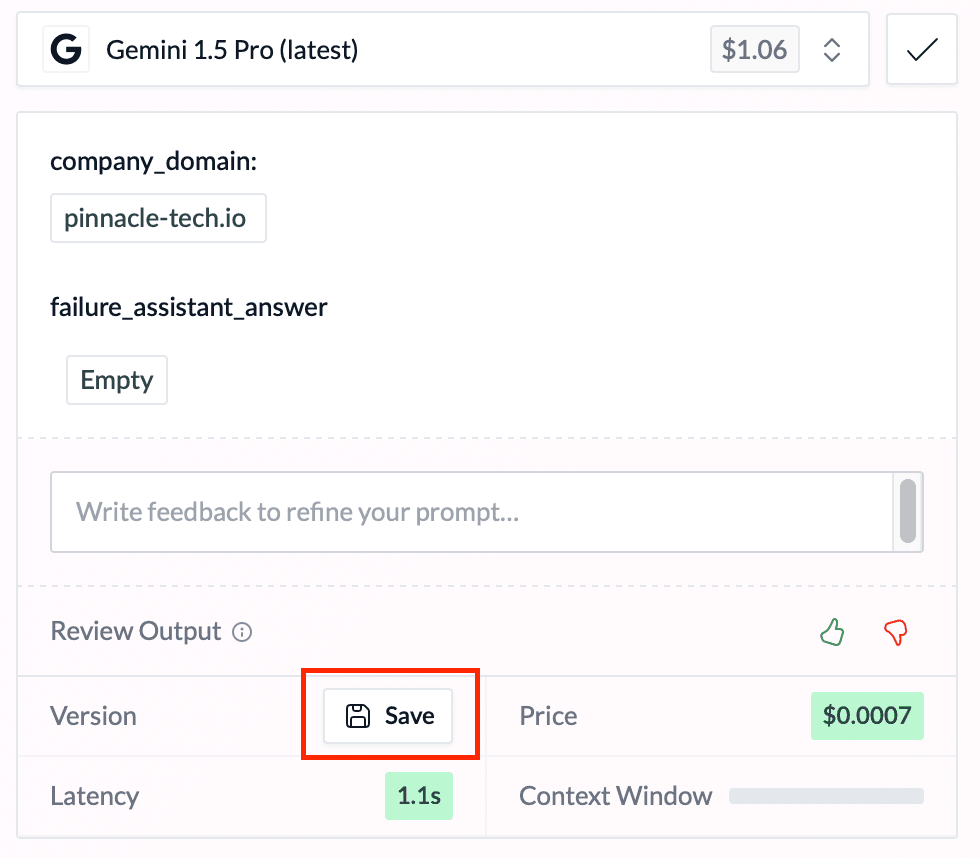
When using the playground, you can save a version by clicking on the "Save" button.
Additionnaly, you can save all versions currently running by clicking on the "Save all versions" button.
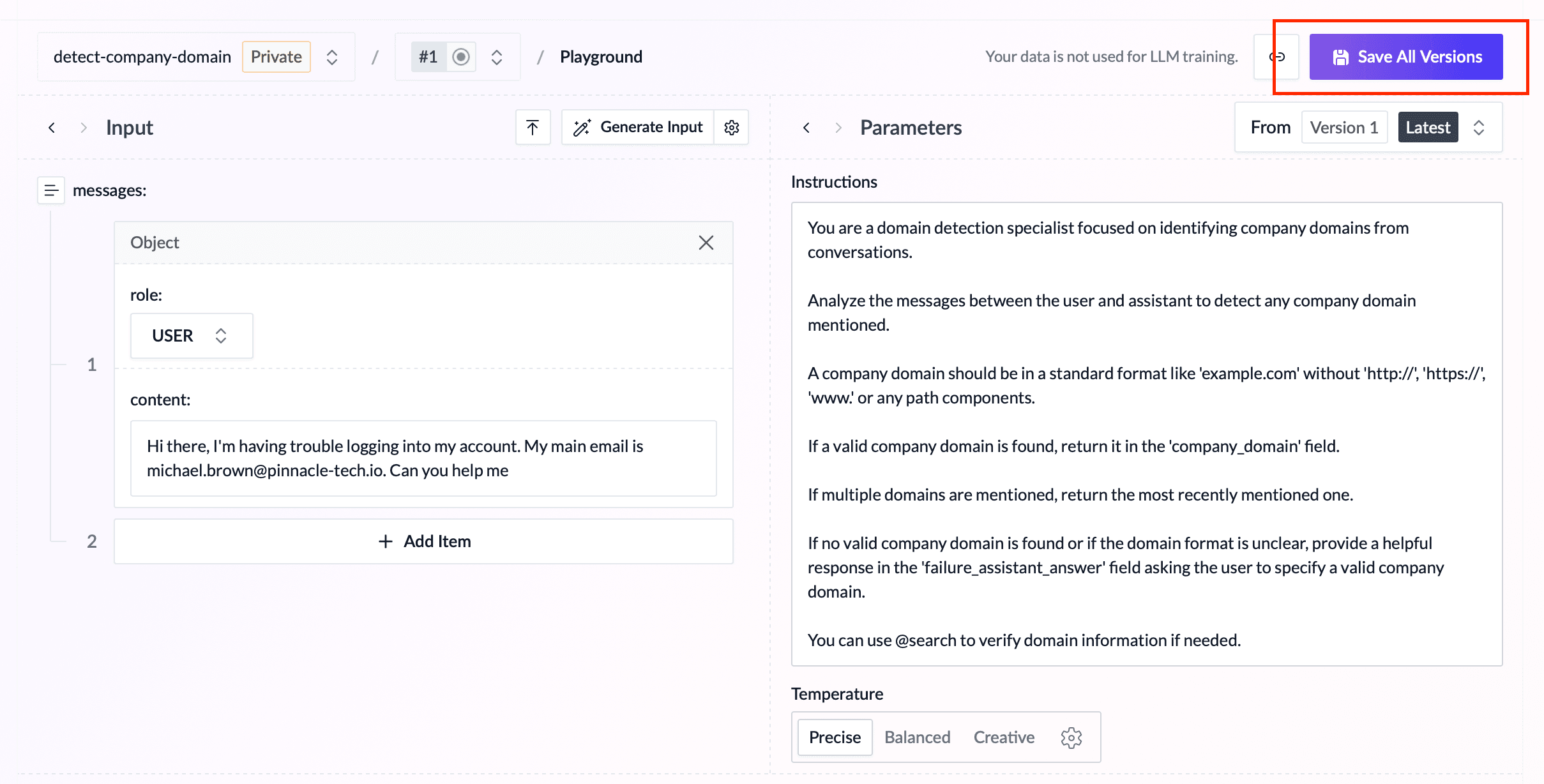
You should save a version when you're satisfied with the LLM output and want to preserve the current configuration. A saved version captures your chosen model, prompt, temperature setting, and other parameters, allowing you to reliably reproduce these results later, or use them in a deployment.
List all versions
You can access the list of all versions by clicking on the "Versions" section from the menu.
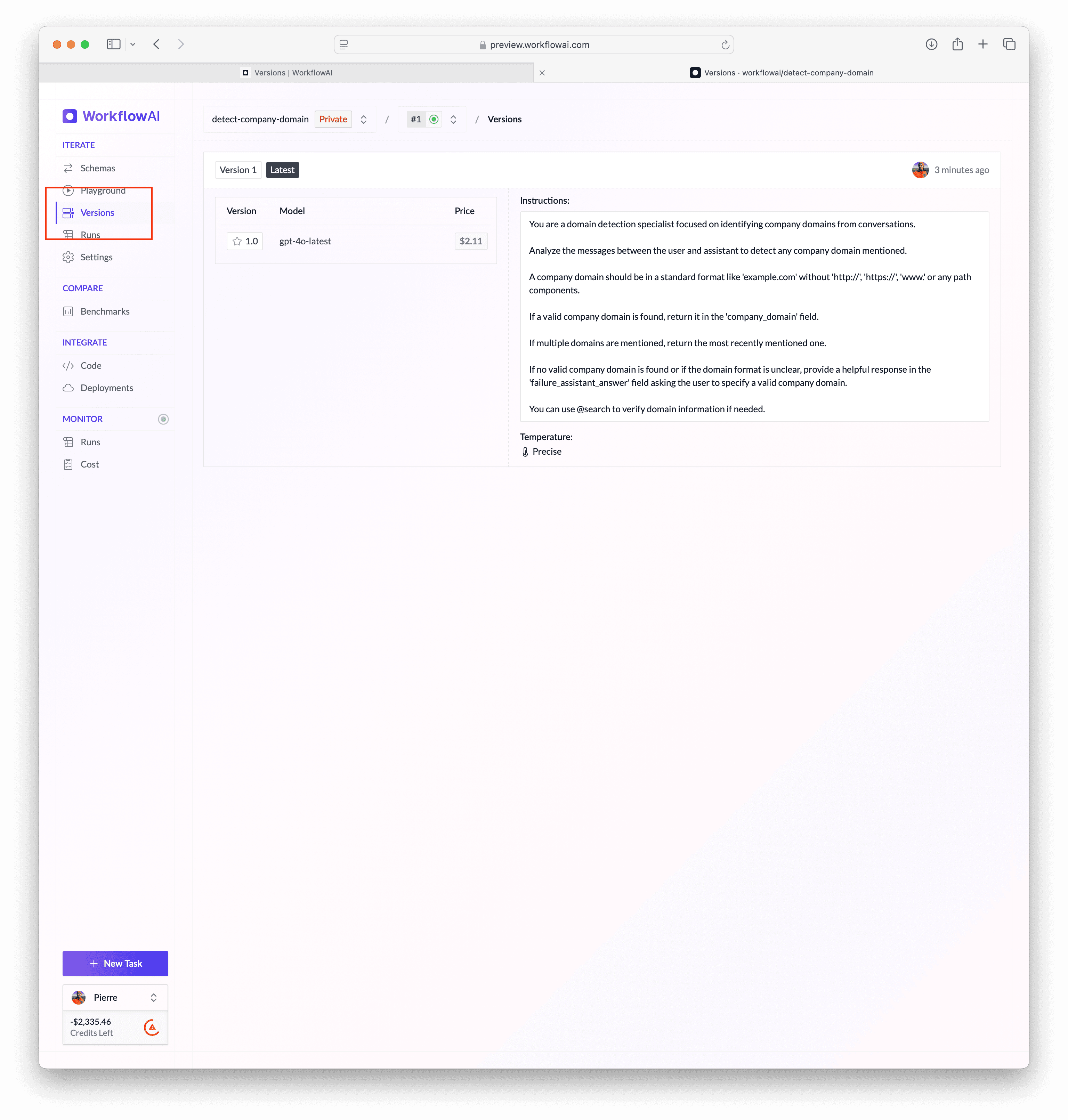
From the MCP, you can also list all versions by calling the list_versions tool.
Clone a version
Cloning a version is useful when you want to create a new version based on an existing version. For example, you have a version running on OpenAI's GPT-4o-mini, and you want to quickly reuse the same instructions, temperature, and tools for a new version running on Gemini 2.0.
How is this guide?