Overview
Monitor, analyze, and optimize your AI applications
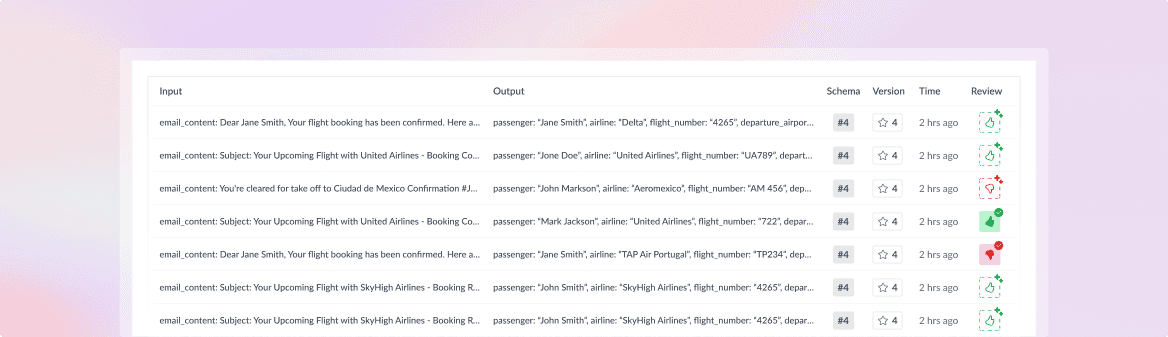
What is observability?
explain why...
- AI is non-deterministic, so you need a way to debug what's happening.
Setup
Go through the Quickstart
Because inference requests are going through WorkflowAI, observability is enabled automatically as soon you have completed the Quickstart.
Observability is enabled automatically
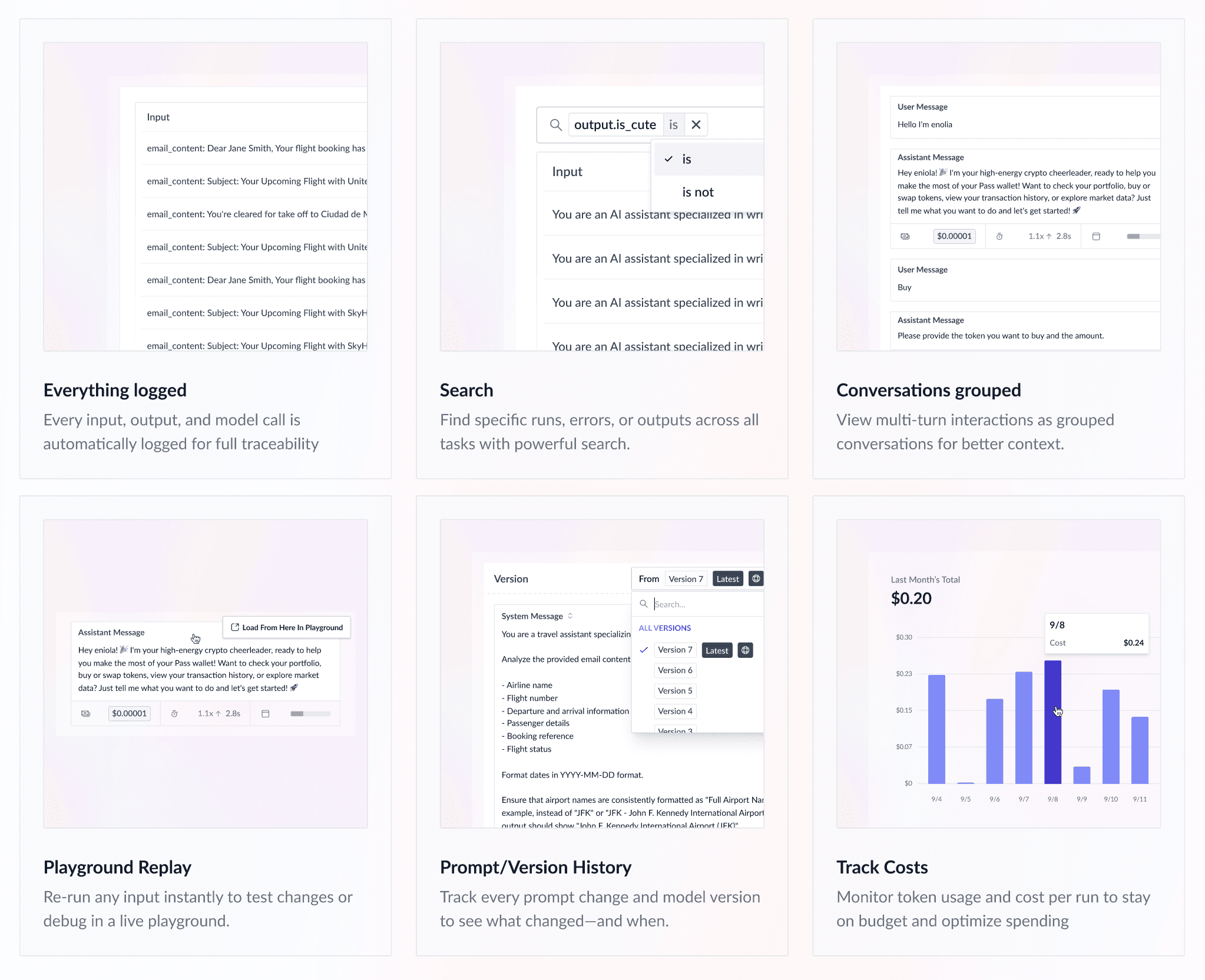
Once you've completed the quickstart and made your first request through WorkflowAI, observability features are automatically activated for your agent. This includes:
- Request tracking: Every API call is logged and tracked
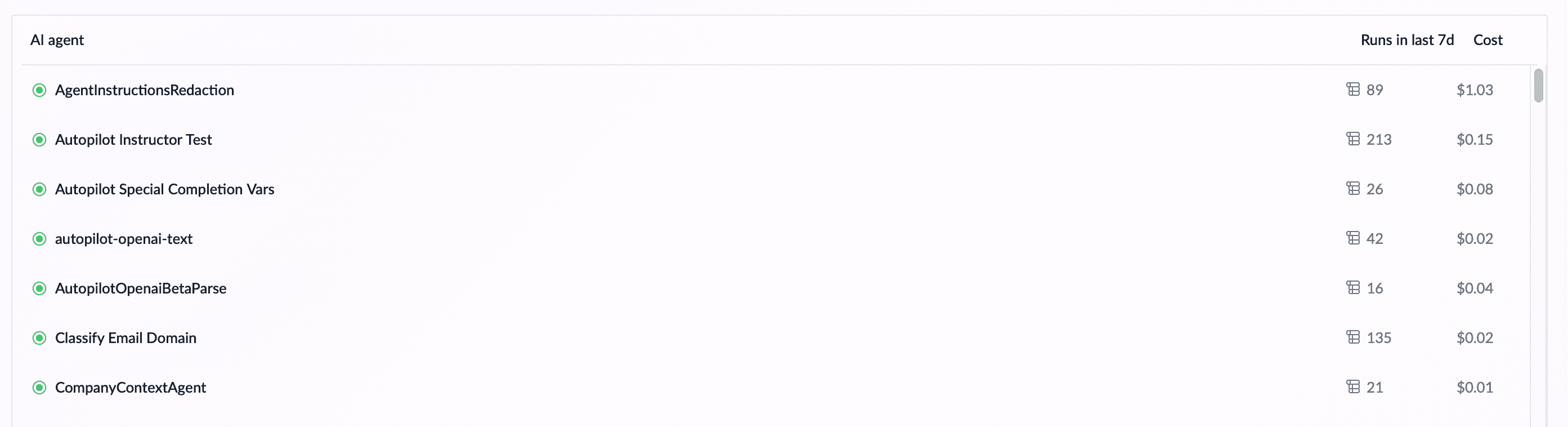
- Performance metrics: Latency, cost, and token usage are automatically calculated
- Error monitoring: Failed requests and their reasons are captured
- Usage analytics: Detailed insights into your agent's performance over time
You don't need to install any additional packages or configure logging - it all works out of the box.
Identify your agent
To properly organize your observability data, you can identify your agent using the metadata parameter:
response = client.completions.create(
    model="gpt-4o",
    messages=[...],
    metadata={
      "agent_id": "my-agent-id",
    }
)
You can also set the agent ID by prefixing the model parameter with your agent ID and a slash /. This is useful when you cannot modify the metadata parameter directly, such as when using third-party libraries or frameworks that don't expose metadata configuration.
response = client.completions.create(
    model="my-agent-id/gpt-4o",
    messages=[...],
)
Runs for un-named agents will be visible in the "Default" agent.
Next
How is this guide?