Overview
What is WorkflowAI?
WorkflowAI is the open-source platform for AI agents. It provides the developer tools and cloud infrastructure to build, deploy, monitor, evaluate, and improve agentic systems.
By using WorkflowAI, you won't pay more than your current inference costs. We price match the providers and make our margin through volume discounts. Learn more about our pricing.
Get Started
MCP
WorkflowAI is available as a MCP server in the IDEs below.
- Open Cursor
- Go to
Settings... - Navigate to
Cursor Settings - Select
Tools and Integrations - Select
+ New MCP Server
Add the following configuration to your MCP servers config:
{
  "mcpServers": {
    "workflowai": {
      "url": "https://api.workflowai.com/mcp/",
      "headers": {
        "Authorization": "Bearer <your_api_key_here>"
      }
    }
  }
}
Replace <your_api_key_here> with your actual WorkflowAI API token.
Cursor UI should now look like this (note the green indicator and the number of tools enabled displayed):

- Open Claude Code in your preferred terminal (standalone or within your IDE).
- Type the following to install:
claude mcp add workflowai https://api.workflowai.com/mcp/ --transport http -H "Authorization: Bearer YOUR_API_KEY_HERE"Replace YOUR_API_KEY_HERE with your WorkflowAI API key.
- Type the following to verify the server is properly connected:
claudeThen type:
/mcp You should see the WorkflowAI server listed as "connected".
Coming soon
Build a new agent
Can you write a agent to classify emails as urgent or not?Migrate an existing agent
Can you migrate the following agent to WorkflowAI?Products
Playground
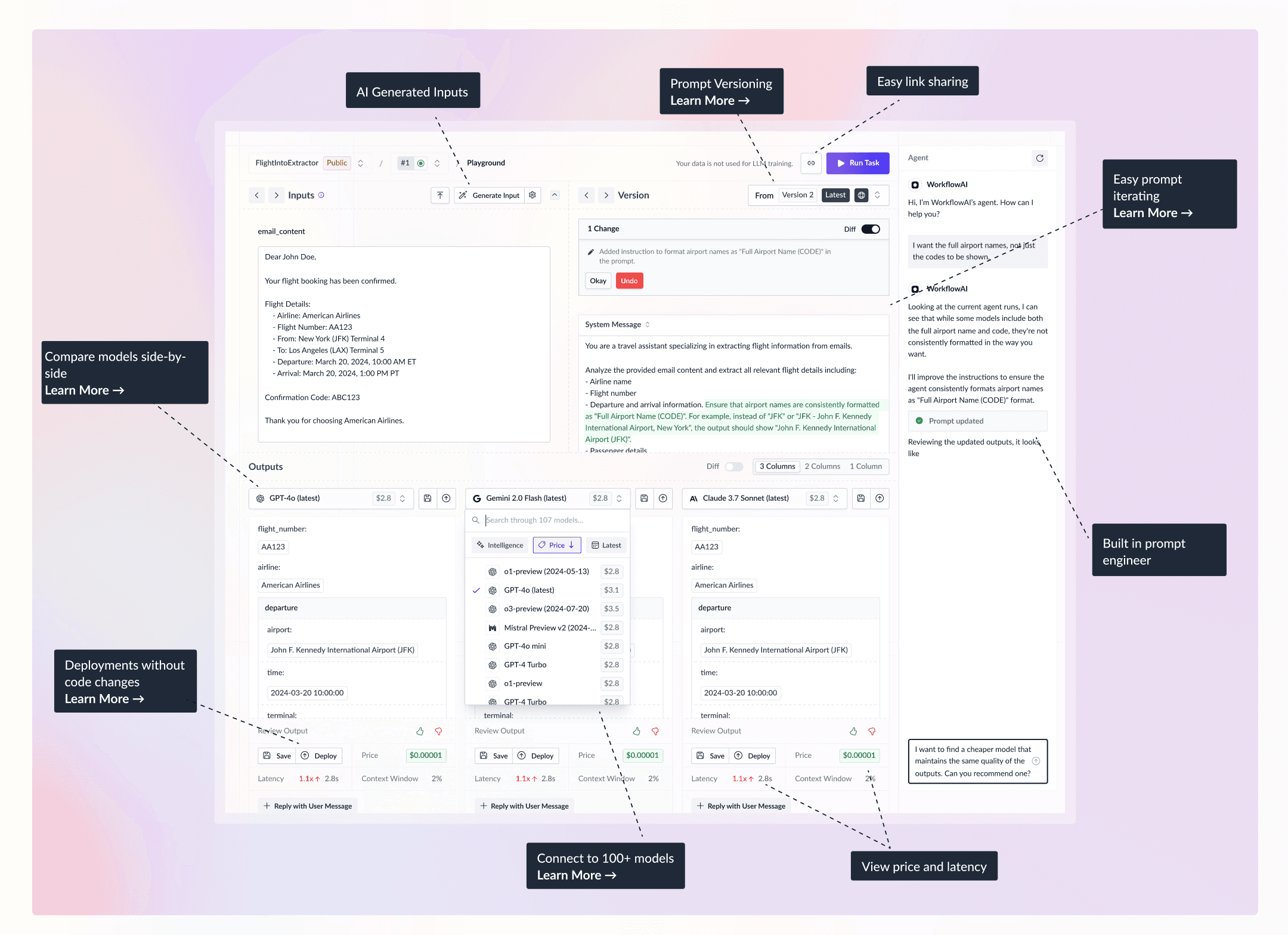
Playground
Our goal is to build the best playground that supports all leading AI models.
Inference
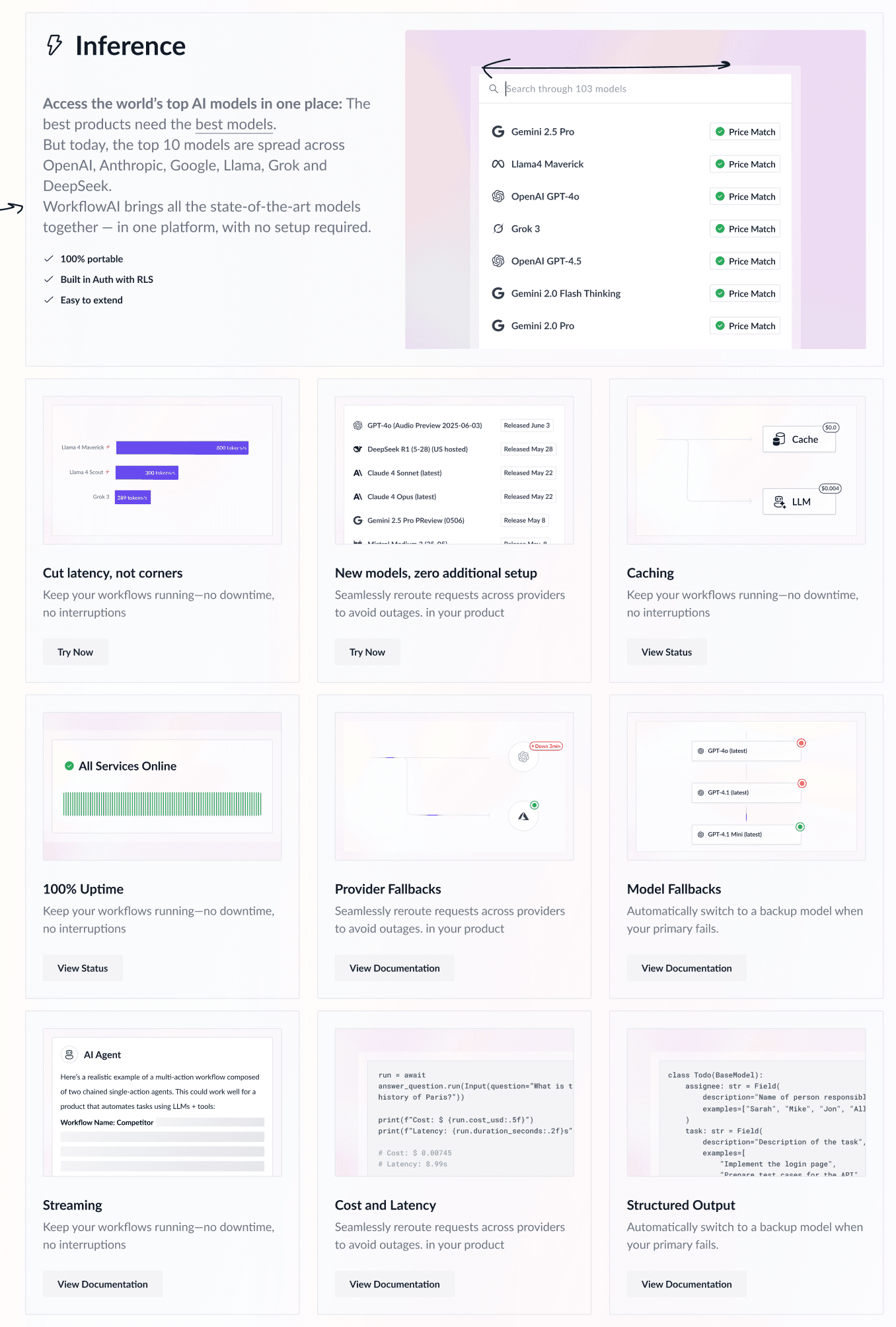
should we show all the sections from inference, or just the header?
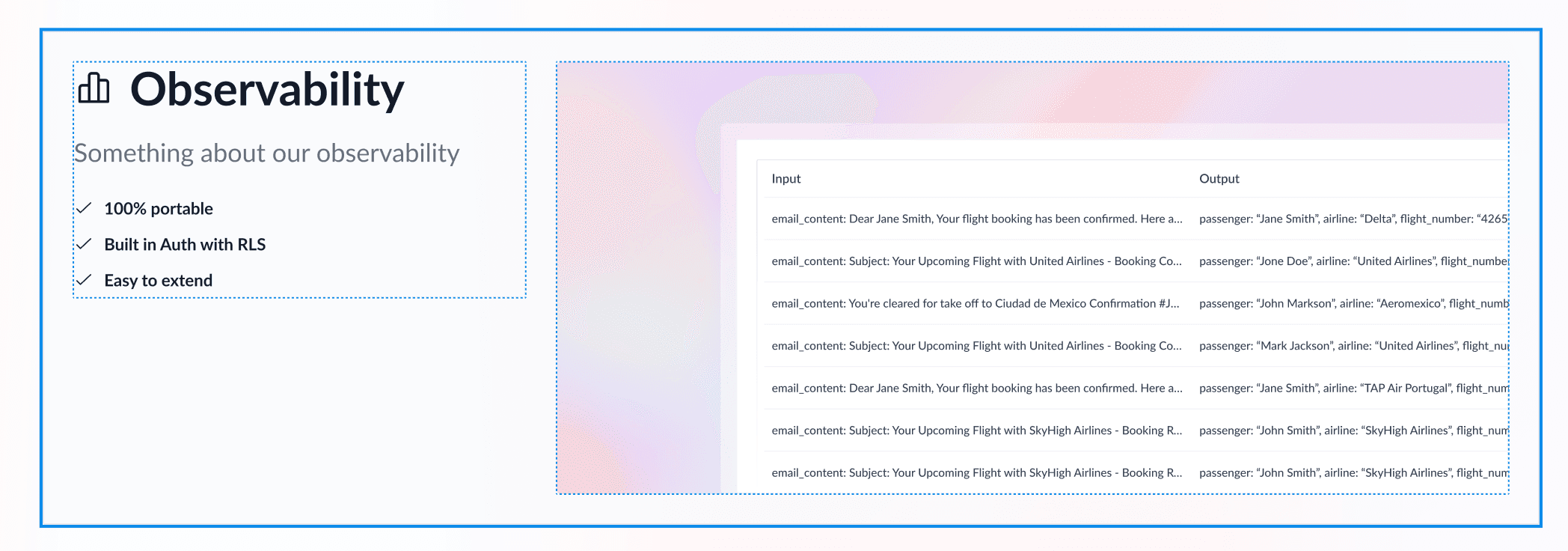
Observability
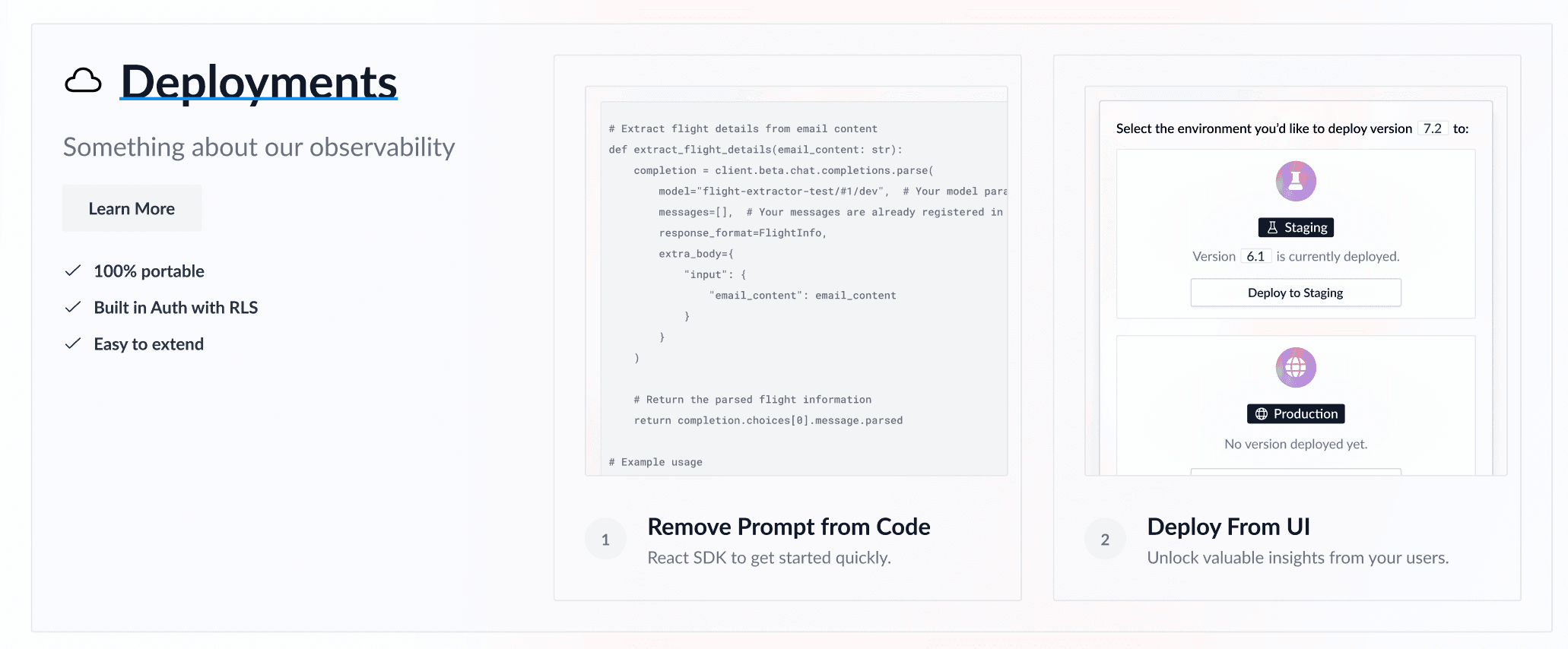
Deployments
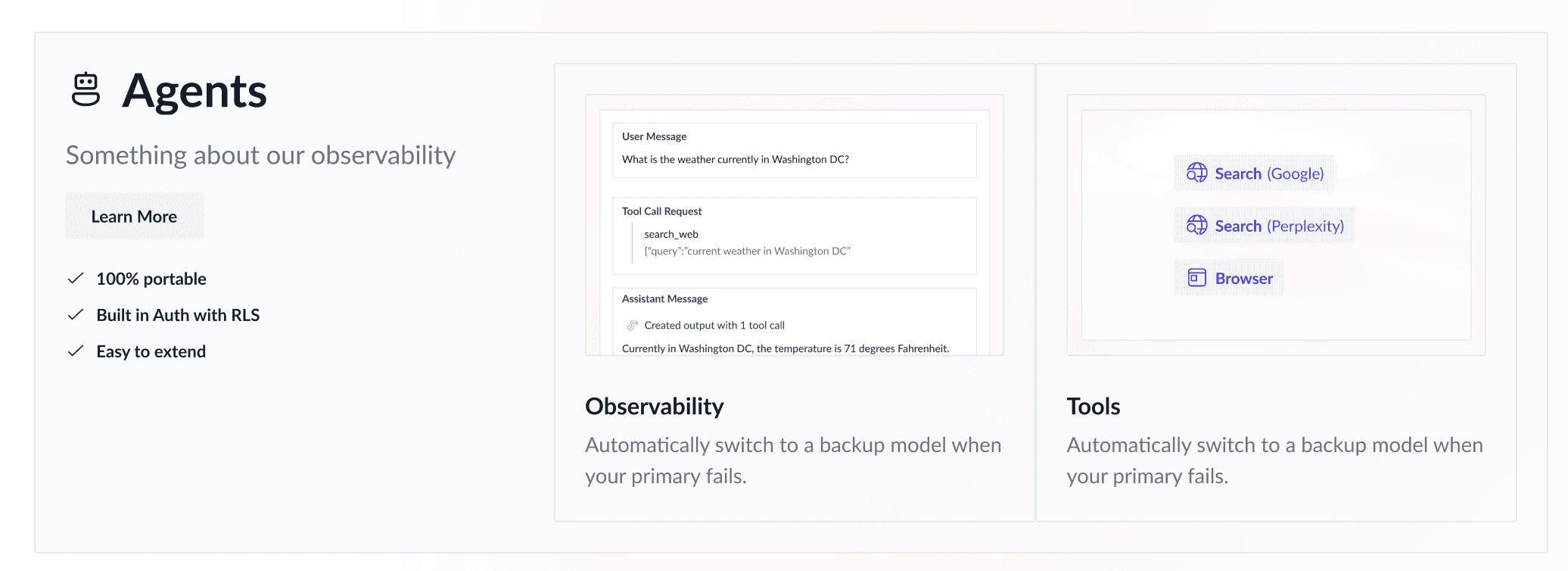
Agents
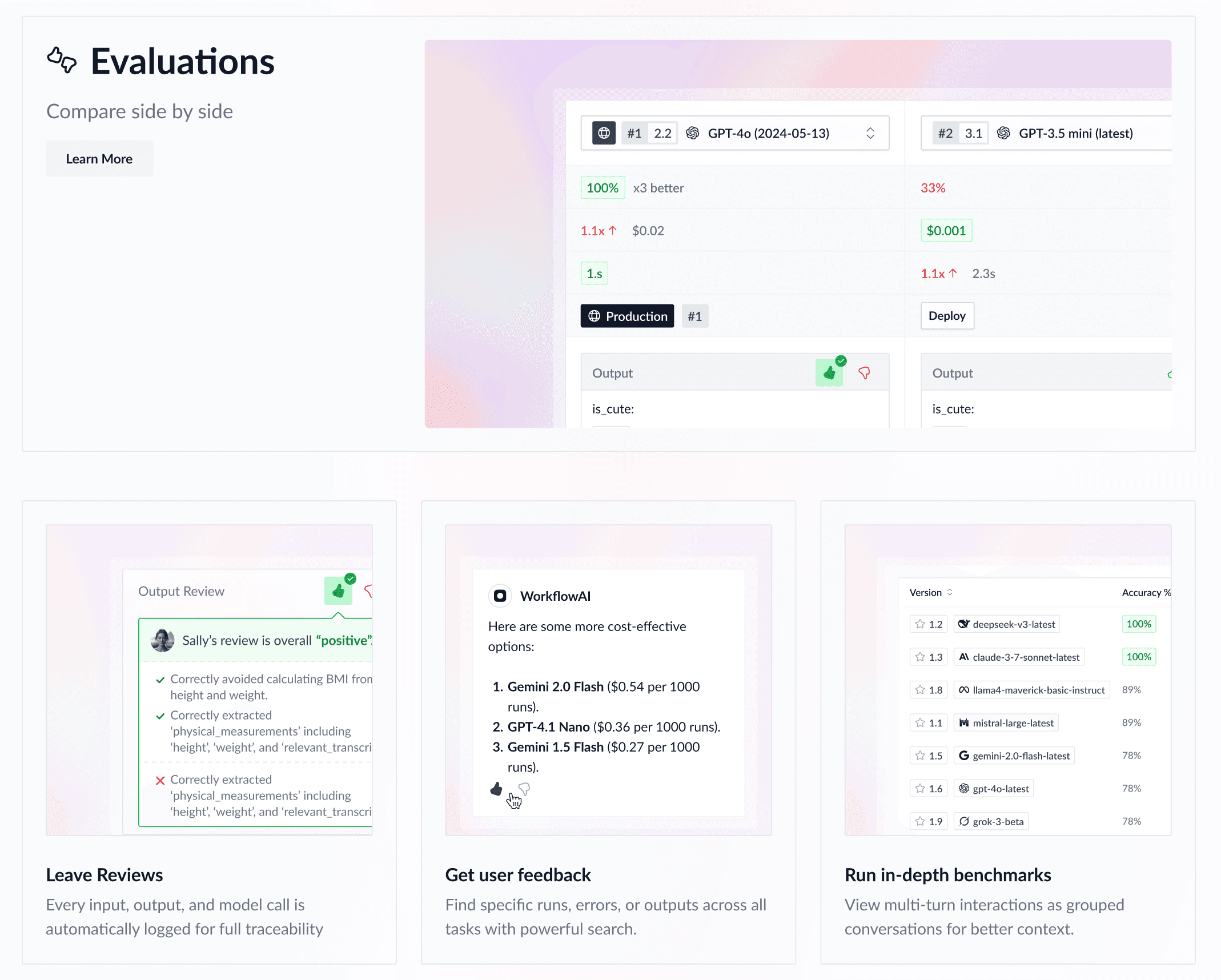
Evaluations
Enterprise Compliance: SOC2 & GDPR compliant. No training on your data. Learn more.
Join the community
If you have questions about WorkflowAI, reach out to our team and community on our Discord Server.
How is this guide?